The Invisible Interface
LAST UPDATED: May 2, 2026 at 9:13 AM
GUEST POST from Art Inteligencia
I. Introduction: The End of the Glass Slab
The Screen Fatigue Phenomenon: We have reached a point of peak saturation with traditional displays. Our lives are currently mediated by glowing rectangles, leading to a fragmented human experience where the tool often overshadows the task.
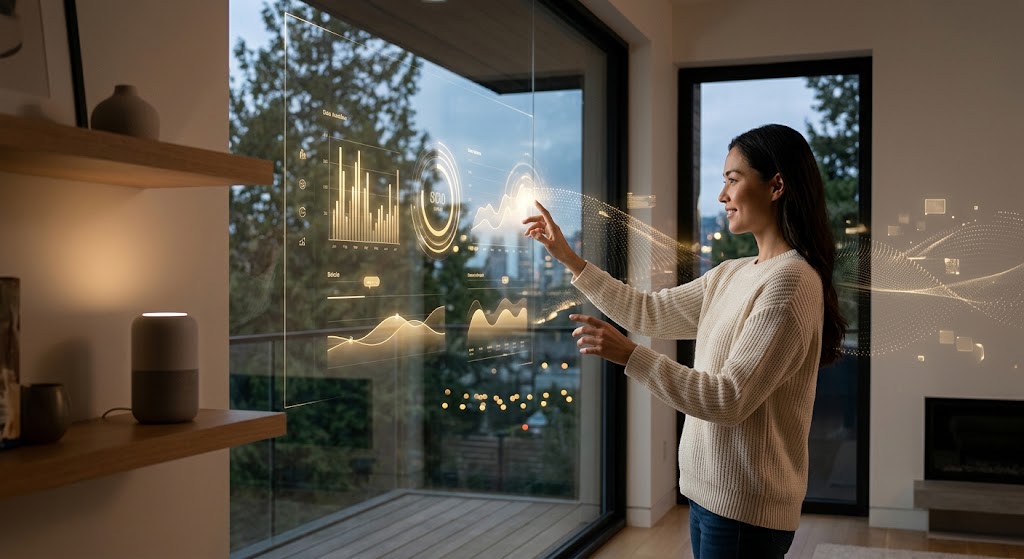
Defining Zero UI: This is not the absence of an interface, but the disappearance of the user interface as we know it. It represents a move away from rigid, button-heavy menus toward more organic inputs like voice, haptics, computer vision, and ambient intelligence.
The Core Thesis: Technology is at its most powerful when it is invisible. By removing the friction between human intent and technological execution, we allow people to return their focus to the experience itself, rather than the device required to facilitate it.
II. The Sensory Stack: How Zero UI Works
Voice & Natural Language: We are witnessing a transition from the “Command-Line Interface” era of voice (where specific keywords were required) to fluid, contextual conversations. The goal is a system that understands nuance, sarcasm, and intent, mirroring human-to-human interaction.
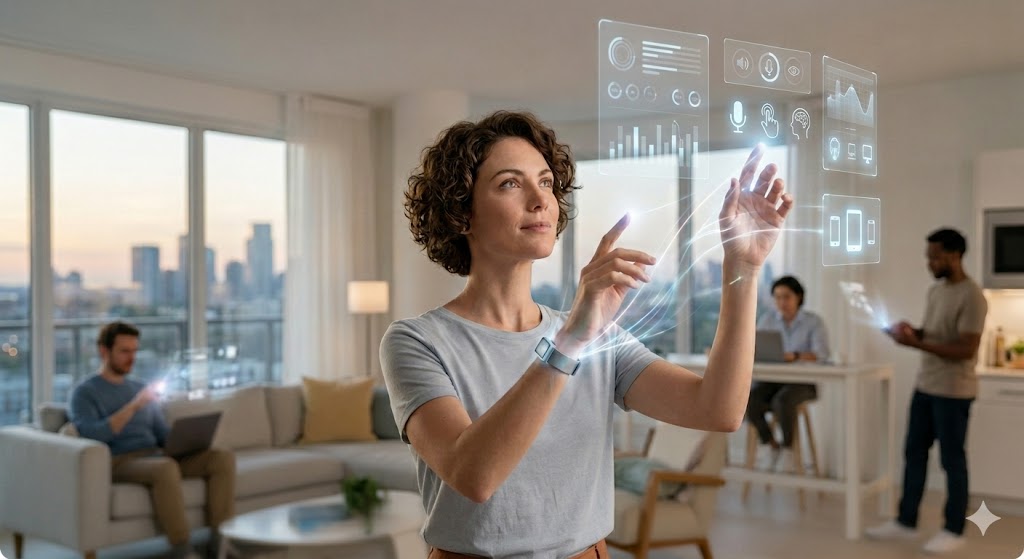
Biometrics & Gesture Control: In a Zero UI world, the body becomes the input device. Through computer vision and skeletal tracking, technology can interpret a wave of a hand or a shift in gaze, allowing for spatial computing that feels like an extension of natural movement.
Proactive vs. Reactive Design: Traditional UI waits for a user to click; Zero UI anticipates. By leveraging machine learning and sensor data, systems can predict needs—adjusting the lighting when you enter a room or preparing a summary of a meeting before you even ask for it.
Haptics & Sensory Feedback: Communication doesn’t always need to be audible or visual. Subtle vibrations (haptics) or environmental changes (thermal or olfactory cues) can provide “glanceable” information without demanding the user’s full cognitive attention.
III. From UX to HX (Human Experience)
Designing for Context: In the era of Zero UI, the focus shifts from “clicks” to “intent.” Experience design no longer lives within the boundaries of a screen; it must account for a user’s physical location, environmental noise levels, and even social setting. We aren’t just designing a path to a button; we are designing a response to a human moment.
Reducing Cognitive Load: The “Invisible Assistant” model moves us away from app management and toward outcome management. By utilizing ambient intelligence, technology handles the “how” so humans can focus on the “why.” This creates a “Calm UI” effect, where digital interactions support our life goals without demanding constant visual attention.
The Ethics of Invisibility: As interfaces disappear, the “Black Box” problem grows. Designers must prioritize radical transparency—ensuring users understand when and how they are being sensed. Trust becomes the primary currency; without clear consent and “off-switches” for predictive features, invisible interfaces risk becoming intrusive rather than helpful.
From Screens to Systems: We are moving toward “Sentient Interfaces” that detect hesitation or frustration through behavioral cues. Transitioning to HX (Human Experience) means building ecosystems that are emotionally aware, neuro-inclusive, and capable of failing gracefully when the AI misinterprets human intent.
IV. Leading Innovators: The Architects of Invisibility
The transition to Zero UI is being led by a diverse ecosystem of startups and legacy tech giants. As of 2026, the following organizations are moving beyond the screen to define the future of human-centered interaction:
| Company / Startup | Core Focus | Why They Matter Now |
|---|---|---|
| Neuralink | Brain-Computer Interface (BCI) | Entering high-volume production in 2026, Neuralink is moving BCI from clinical trials to the ultimate seamless interface: thought-based control. |
| Ultraleap | Mid-air Haptics & Tracking | By projecting ultrasound waves onto the skin, they provide tactile feedback in mid-air, crucial for non-visual “touch” in automotive and XR environments. |
| SoundHound AI | Agentic Voice Commerce | Their latest “Amelia 7” platform allows users to manage complex real-world transactions—like dinner reservations and parking—entirely through natural conversation. |
| Memories.ai | Contextual Wearables (LUCI) | Following the pivot of early wearables like the Humane Ai Pin, Memories.ai is building the “Android of AI wearables,” providing a system-level reference for ambient intelligence. |
| Synchron | Endovascular BCI | A key competitor to Neuralink, Synchron focuses on minimally invasive brain interfaces that allow users to control digital devices via the blood vessels, emphasizing safety and accessibility. |
Strategic Implementation: For brands, the challenge is no longer just “building an app.” It is about integrating into these emerging ecosystems. Whether it is through voice agents or haptic-enabled environments, the goal for designers is to ensure their brand’s presence is felt and heard, even when it cannot be seen.
V. The Futurologist’s Perspective: What’s Next?
The Transition to “Liquid Services”: In 2026, we are moving away from the “static app” model. Instead, we are entering the era of liquid services—capabilities that flow seamlessly across devices. Your interaction might start as a voice command in the kitchen, continue as a haptic pulse on your wrist while walking, and conclude as a spatial projection in your vehicle. The interface is no longer a destination; it is a persistent, supportive presence.
Hyper-Personalization and Ambient Intelligence: One-size-fits-all design is dead. Leveraging what I call “Fortified Intelligence,” future systems will adapt in real-time to the individual’s neurodiversity, physical abilities, and current emotional state. Environments will become “sentient,” adjusting lighting, acoustics, and information density based on the user’s “Digital Persona” without a single manual adjustment.
The Challenge for Designers: Behavioral Architecture: The role of the designer is shifting from visual storytelling to behavioral and sensory architecture. We are no longer just drawing screens; we are defining the “rules of engagement” between humans and machines. This requires a Whole-Brain approach—part scientist to manage the data and part artist to inspire human connection. Success in this new landscape is measured by “Speed to Resilience” rather than just speed to market.
Reclaiming the Human Moment: Paradoxically, the more advanced our technology becomes, the more we value “human friction.” As Zero UI automates the logistical “drudge work” of life, experience design for the future will emphasize the things AI cannot replicate: intentional inefficiency, the warmth of human presence, and the physical tangibility of the world around us. We are designing technology to get it out of the way, so we can finally be human again.
VI. Conclusion: Reclaiming the Human Moment
Beyond Efficiency: As I often say, true innovation isn’t just about making things faster or cheaper—it’s about making things more human. Zero UI is the final step in removing the technical debt of the 21st century. By dissolving the “glass slab” that separates us from our tasks, we aren’t just improving efficiency; we are restoring presence. When the technology disappears, we are finally free to focus on the work that matters and the people who inspire us.
A Call for Design Integrity: As we look toward the 2030s, the “Wild West” era of digital interfaces is closing. We are entering an era of Structural Integrity in experience design. Designers and innovation leaders must move beyond “Process Theater”—workshops that generate ideas without outcomes—and start building the resilient, invisible infrastructure that supports a flourishing society. We must have the courage to design a future that doesn’t require us to retreat into the friction of the past.
Final Thought: The most disruptive interface is the one that doesn’t exist because it works so well you’ve forgotten it’s there. The goal of the Invisible Interface is not to automate the human out of the loop, but to close the loop on friction, leaving only the experience behind. Let’s design an infrastructure that doesn’t just survive the future, but defines it.
Are you ready to move from UX to HX?
If you’re looking to get to the future first, increase your speed of innovation, or create a culture of continuous transformation, connect with Braden Kelley for a keynote or a FutureHacking™ workshop to teach you to be your own futurist.
Frequently Asked Questions
What is the difference between Zero UI and traditional UI?
Traditional UI (User Interface) relies on visual elements like screens, buttons, and menus to facilitate interaction. Zero UI moves away from these “glass slabs,” instead utilizing natural human behaviors—such as voice, gestures, haptics, and ambient intelligence—to interact with technology without a physical screen as the primary mediator.
How does Zero UI improve the Human Experience (HX)?
By reducing cognitive load and removing the friction of navigating complex menus, Zero UI allows technology to become a proactive assistant rather than a reactive tool. This shift toward “Human Experience” prioritizes context and intent, allowing users to stay present in their physical environment while still benefiting from digital capabilities.
Is Zero UI secure and private?
As interfaces become invisible, transparency becomes the most critical design element. Leading innovators are focusing on “Privacy by Design,” ensuring that ambient sensing and voice processing are handled with clear consent and robust encryption, often processing data locally (on-edge) rather than in the cloud to maintain user trust.
Disclaimer: This article speculates on the potential future applications of cutting-edge scientific research. While based on current scientific understanding, the practical realization of these concepts may vary in timeline and feasibility and are subject to ongoing research and development.
Image credits: Gemini
 Sign up here to get Human-Centered Change & Innovation Weekly delivered to your inbox every week.